Troubleshoot the Scribe Google add-in when the Google Workspace validation process takes too long, gets stuck, or fails to complete successfully.
If you have been waiting for more than 30 minutes for your Google add-in to be validated, check the following.
1
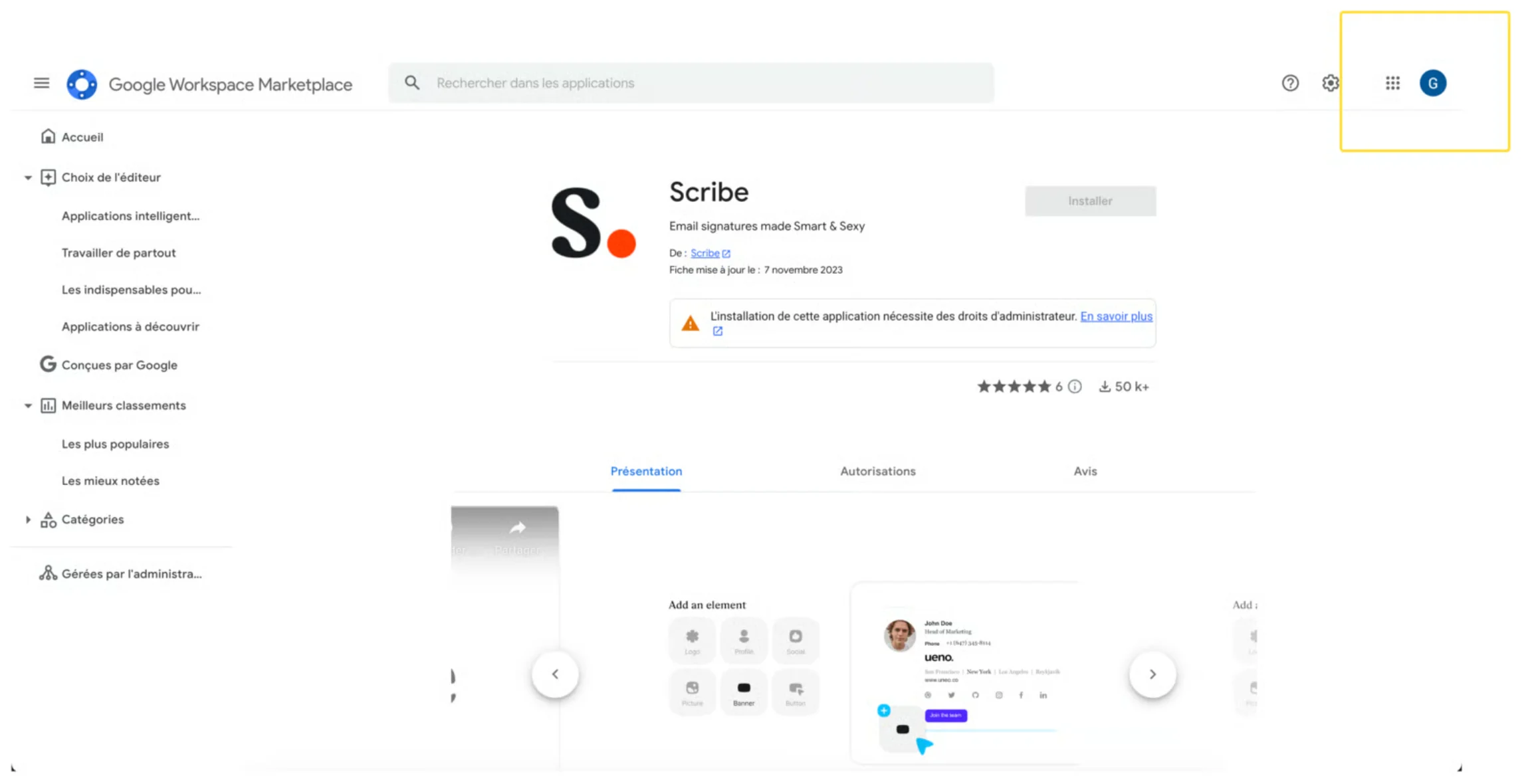
Make sure the correct Google account is selected
Make sure you selected the correct Google account when installing the add-in from the Google Workspace Marketplace. Sometimes users select a different domain name from their Google account.
2
Make sure the correct email is selected
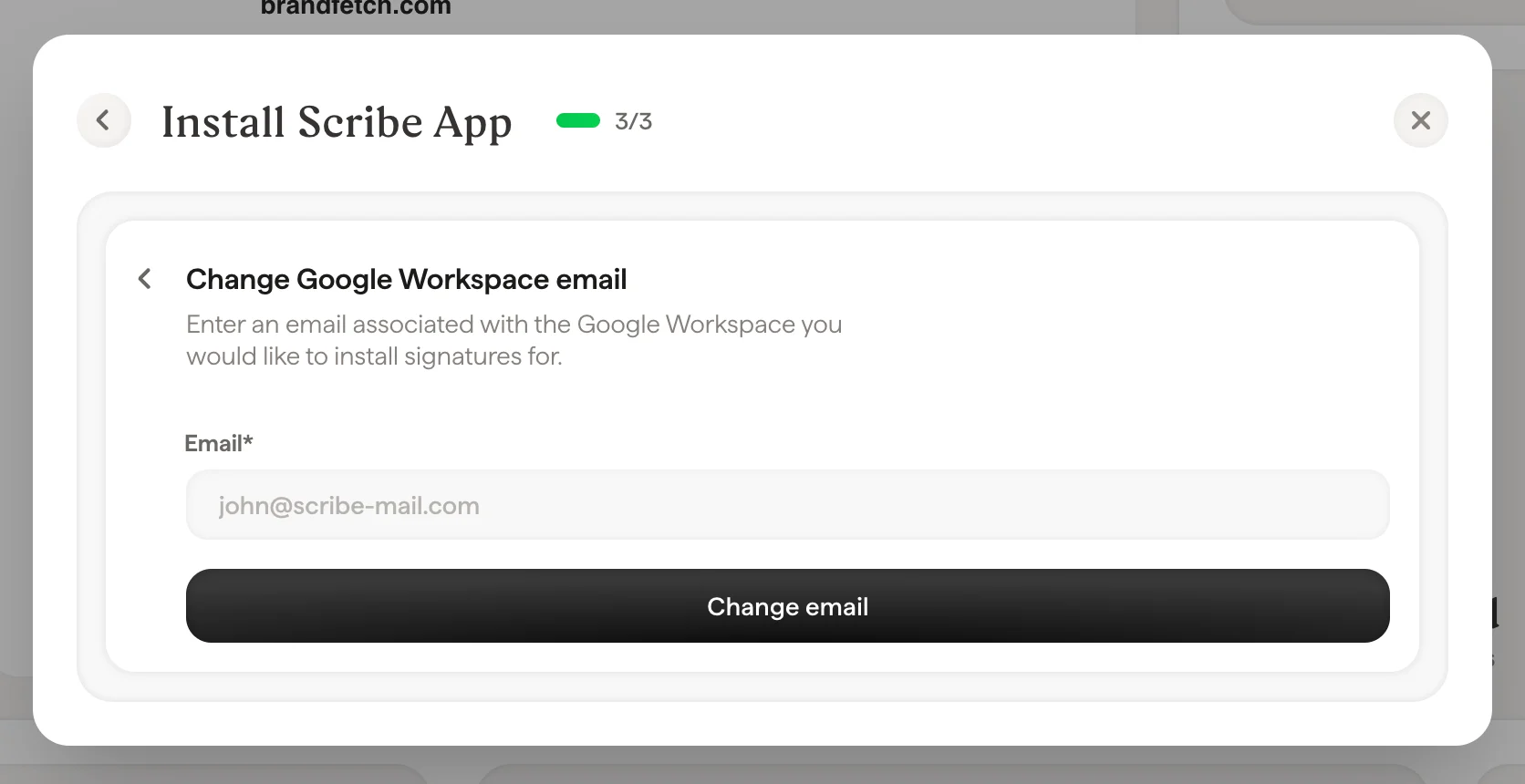
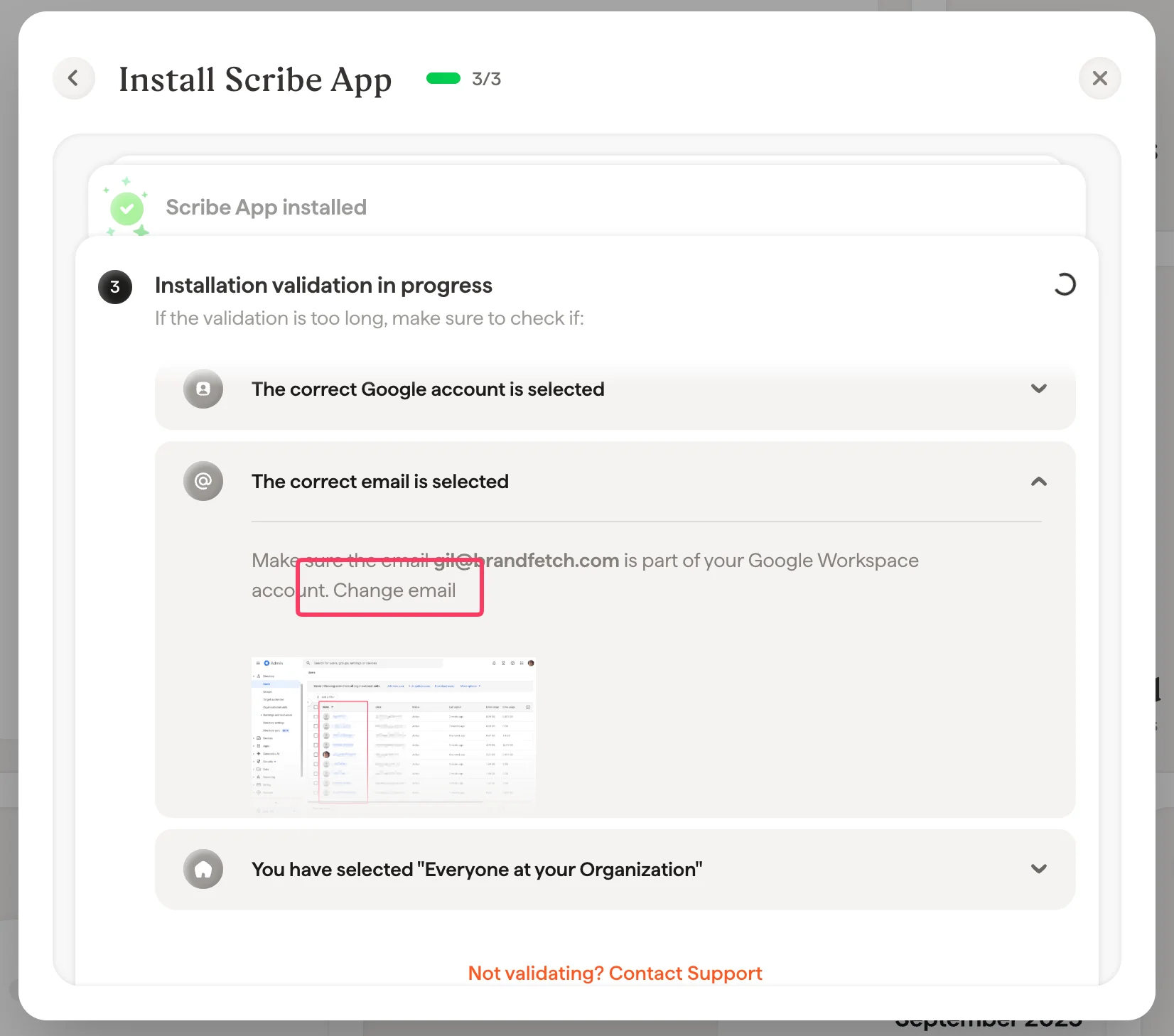
Make sure the email you selected to install the add-in is part of your Google Workspace account. You can change this email in Scribe by going to the Integration page and opening the Google Workspace integration:
When the integration is already installed
When the integration is still being validated
3
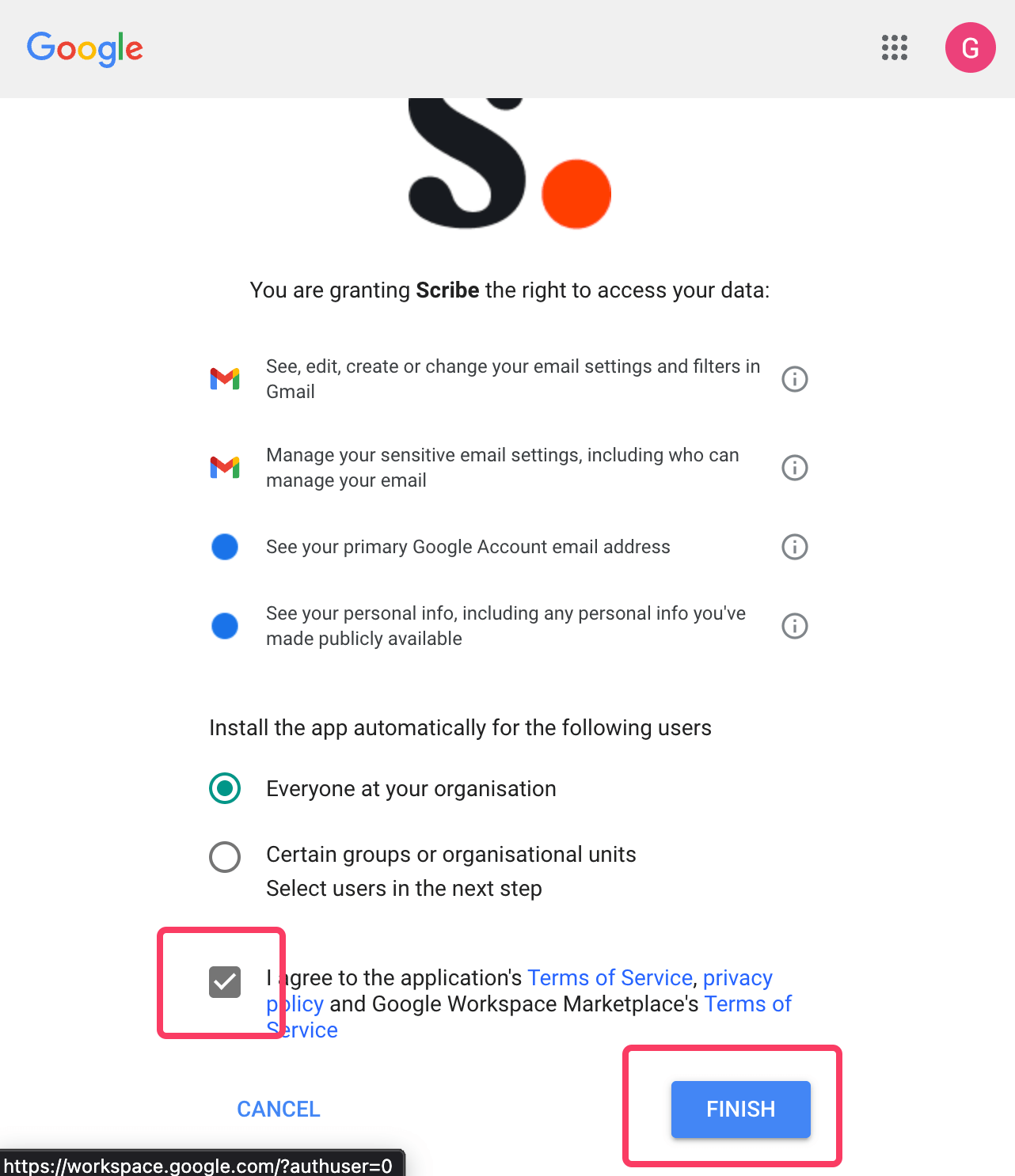
Select Everyone at your organization
Make sure to select the option “Everyone at your organization” when installing the app.
To give Scribe the required permissions, you need to be a Super Admin in your Google Workspace. Invite someone from IT if you are not a Super Admin.
This integration works for Google Workspace users, not personal Gmail accounts.