

General
Signature Name: Update the name of your signature (2 to 20 characters). This is for internal identification only, so teammates and email recipients never see it. Marketing Campaigns: Toggle whether marketing campaign banners are enabled for this signature. Set to Active to allow campaigns to display in this signature, or Inactive to disable them. Click Save Changes to apply.Danger Zone
Delete Signature: Permanently deletes this signature. This action is irreversible. All related signatures assigned to your teammates will be removed. Your teammates themselves will remain available in Scribe to be assigned new signatures.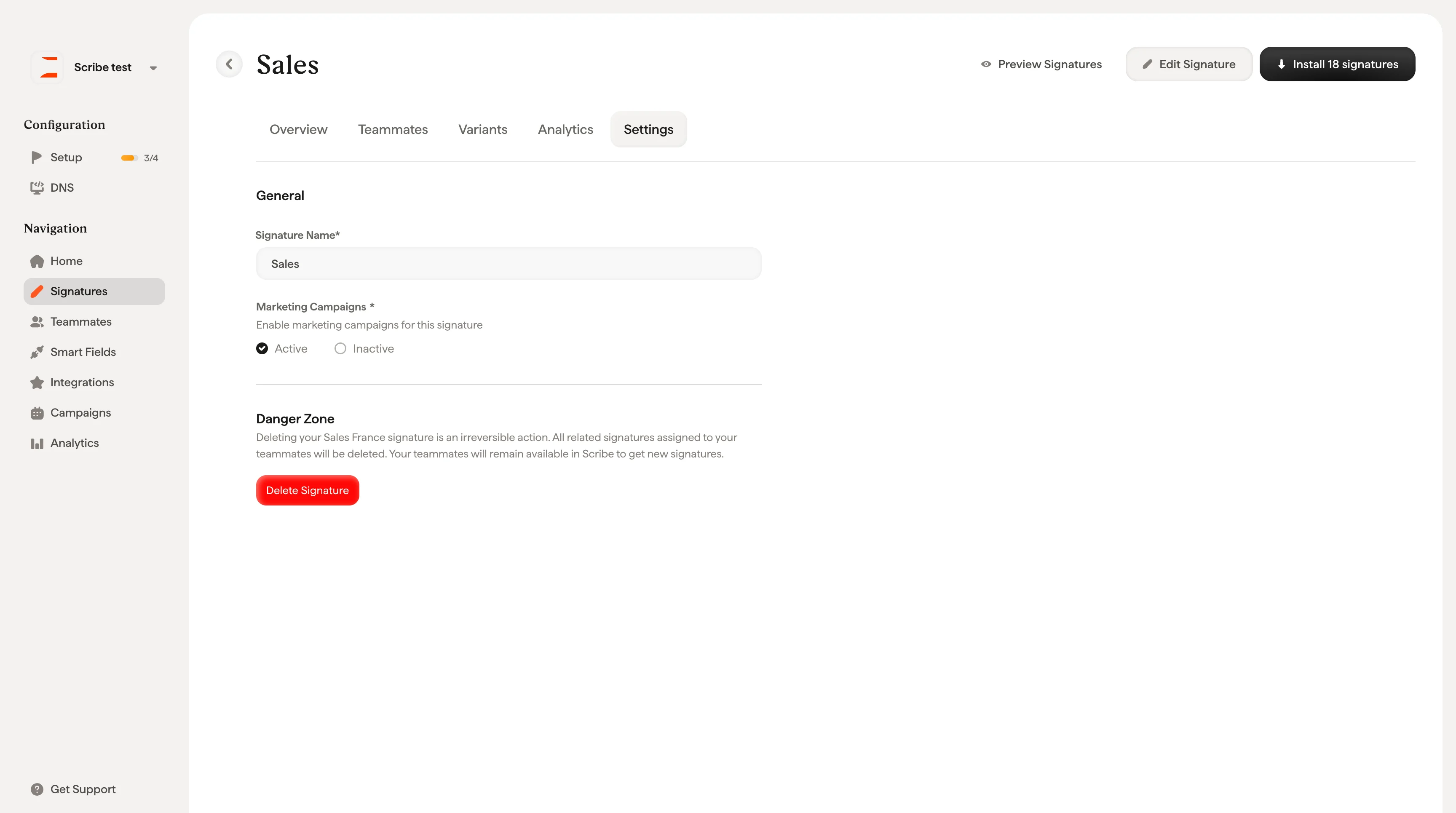
Related articles
- Signatures overview: how settings fit into managing a signature.
- Create and manage signatures: rename, duplicate, and delete signatures from the library.
- Signature variants: manage campaign banners separately for replies and internal emails.