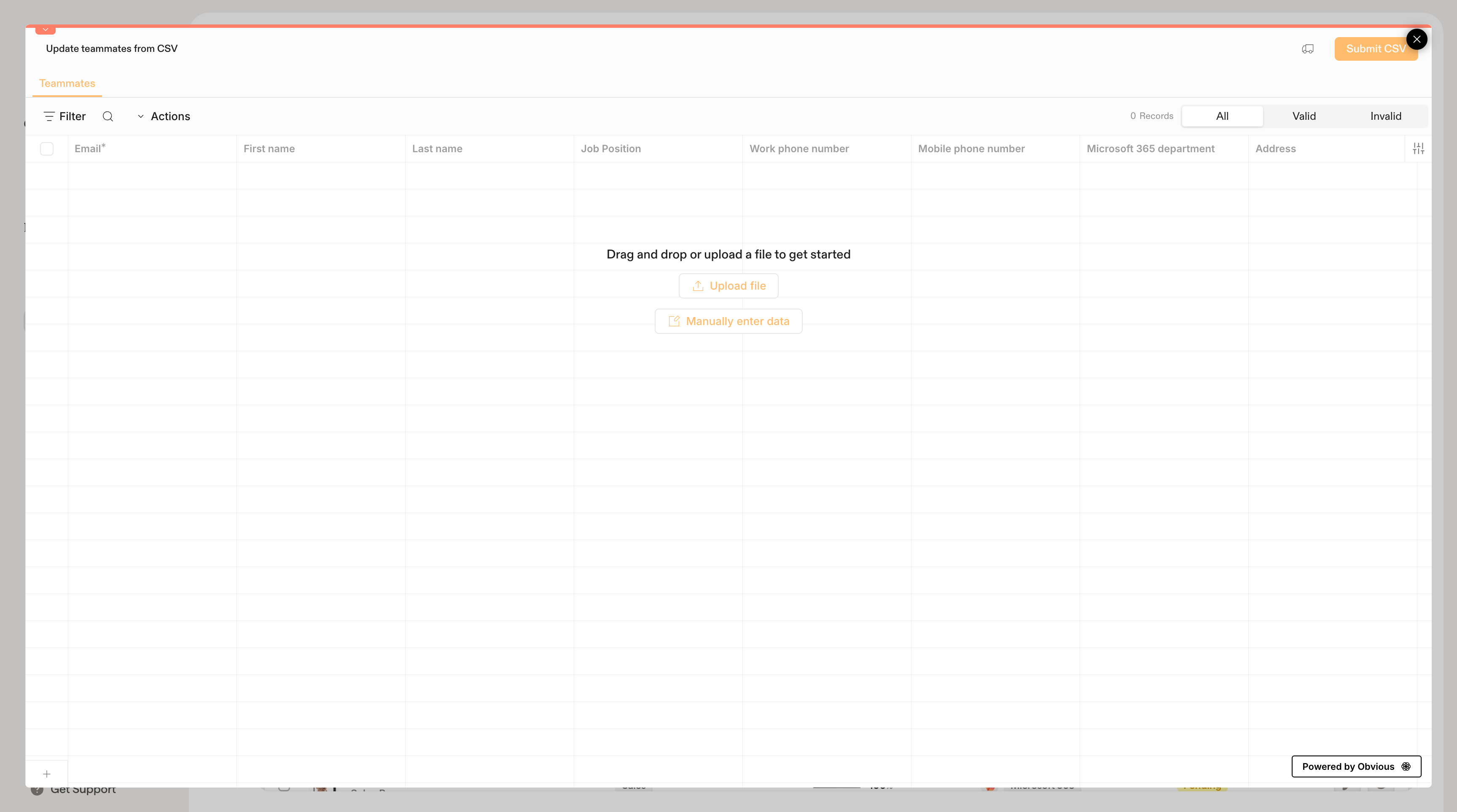
Import many teammates into Scribe at once by uploading a CSV file: only email is required, columns map automatically, and rows are validated before submitting.
Import multiple teammates at once by uploading a CSV file. This is the fastest way to add teammates manually when you don’t use a directory integration.
Your file should include the following columns. Only Email is required; all other fields are optional.
Column
Required
Description
Email
Yes
The teammate’s email address
Job position
No
Their role or title
Phone number
No
Direct phone number
Meeting Link
No
Link to their scheduling page (e.g., Cal.com, Calendly)
Book a demo
No
Link to a demo booking page
You don’t need to match the column names exactly. Scribe will map your columns automatically when possible and let you adjust the mapping before import.
If you don’t have a CSV file ready, click Manually enter data in the import modal to type directly into the spreadsheet grid. This can be handy for pasting data from another source.
Before submitting, Scribe checks each row and categorizes it as Valid or Invalid. Common issues include missing or malformed email addresses. Fix any flagged rows directly in the grid before submitting.
If you later connect a directory integration (Google Workspace or Microsoft Entra ID), it will override your CSV-imported teammates. Only use this option if you don’t plan to sync from a directory, or if you need to add people who aren’t in your directory.