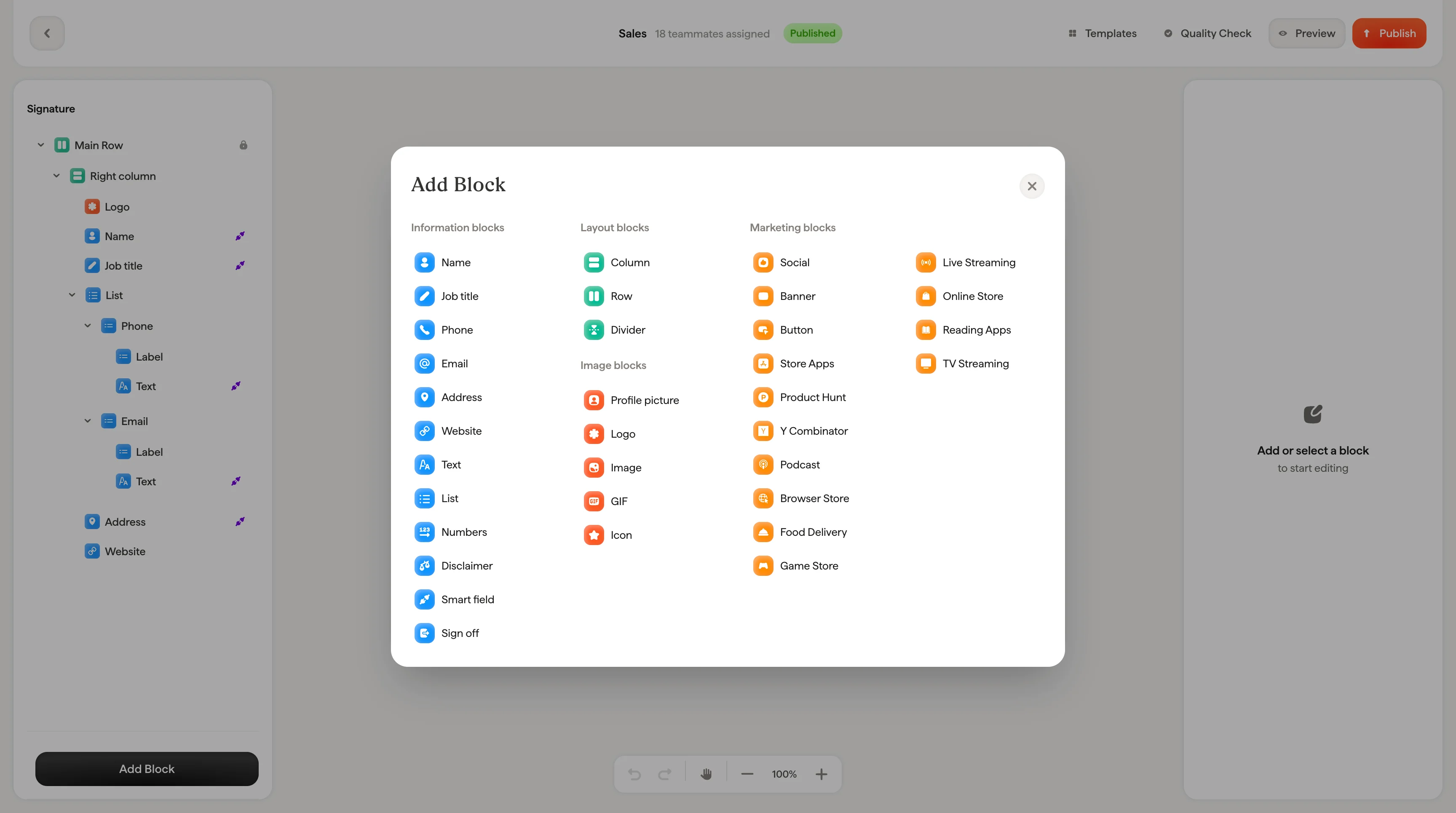
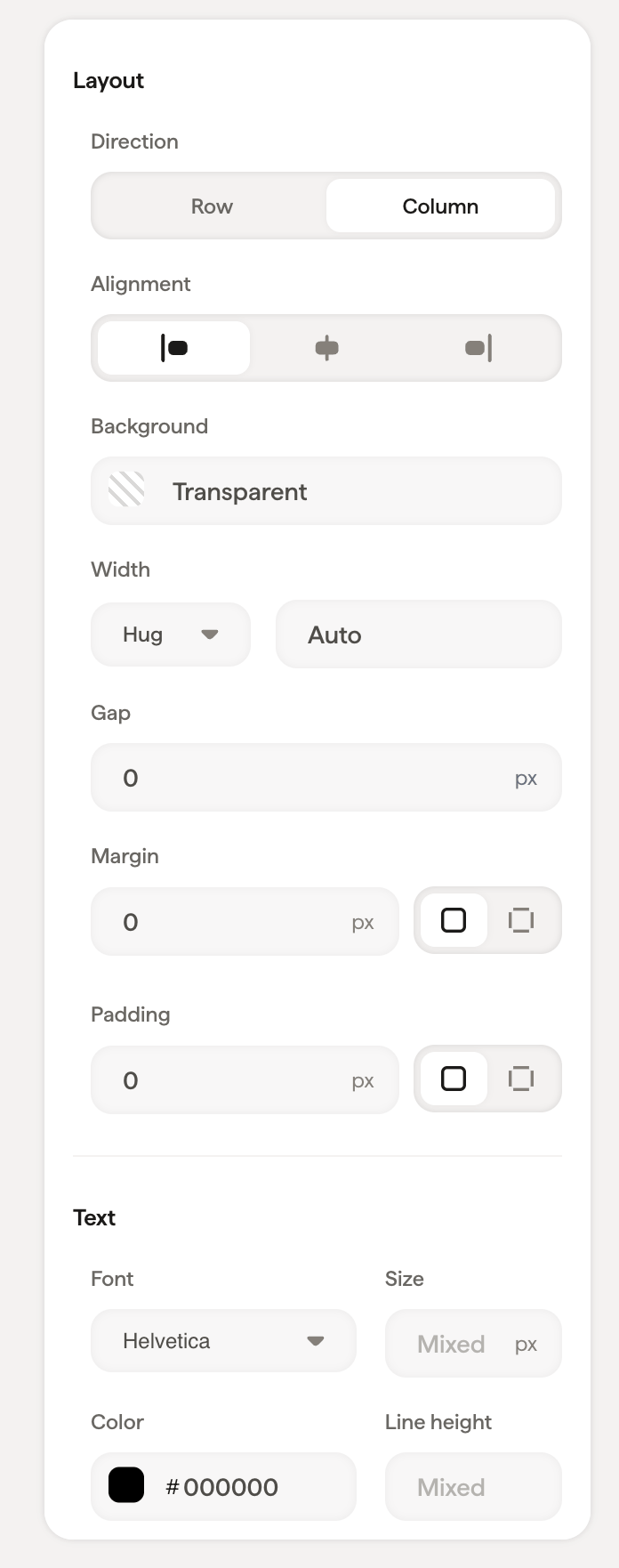
Arrange and space your email signature with containers, setting row or column direction, alignment, background, gap, and padding for every block inside.
When you select a container (like the main column or a row), the styling panel shows layout controls that affect everything inside it. Containers are the structural backbone of your signature: they determine how blocks are arranged and spaced. For a step-by-step walkthrough, see building layouts with columns and rows.
Choose Row (elements side by side) or Column (elements stacked)
Alignment
Align content left, center, or right within the container
Background
Set a background color using the color picker or a hex code
Gap
Space between child elements inside the container
Padding
Space between the container edge and its content. Use the global input for equal padding on all sides, or expand to set Top, Right, Bottom, and Left individually
Use Direction → Row combined with Alignment → Center to center elements horizontally. For example, centering social icons in a row.
When a container includes text content, the text section appears with font, size, color, opacity, line height, and formatting options. These settings apply as defaults to text inside the container.